Smooth 360° playback
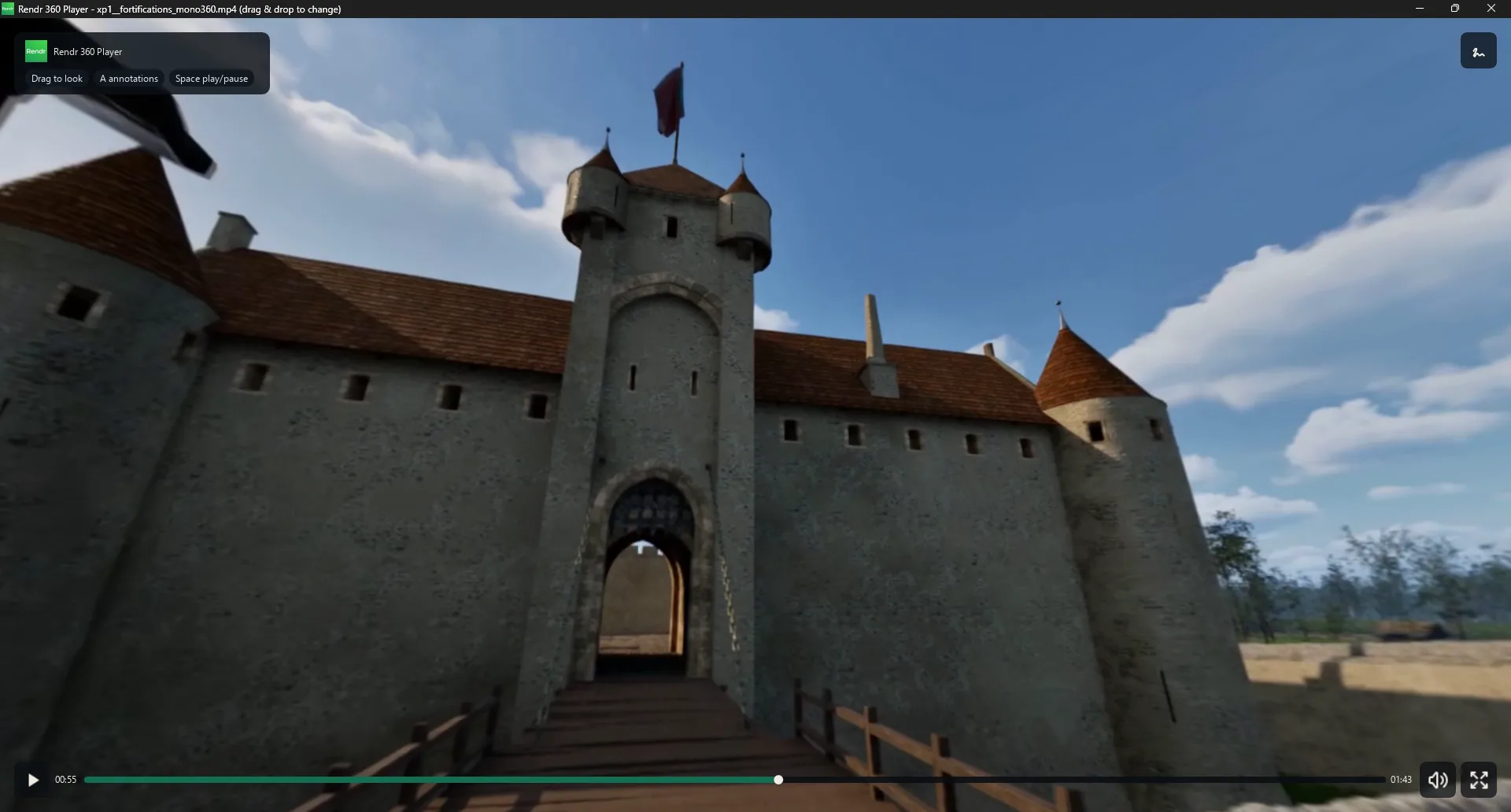
Equirectangular video up to 8K, mapped onto a sphere. Mouse navigation, zoom (FOV) and fullscreen.
 Windows · Free & Pro
Rendr 360 Player plays your equirectangular footage up to 8K and lets your team annotate directly on the 3D sphere.
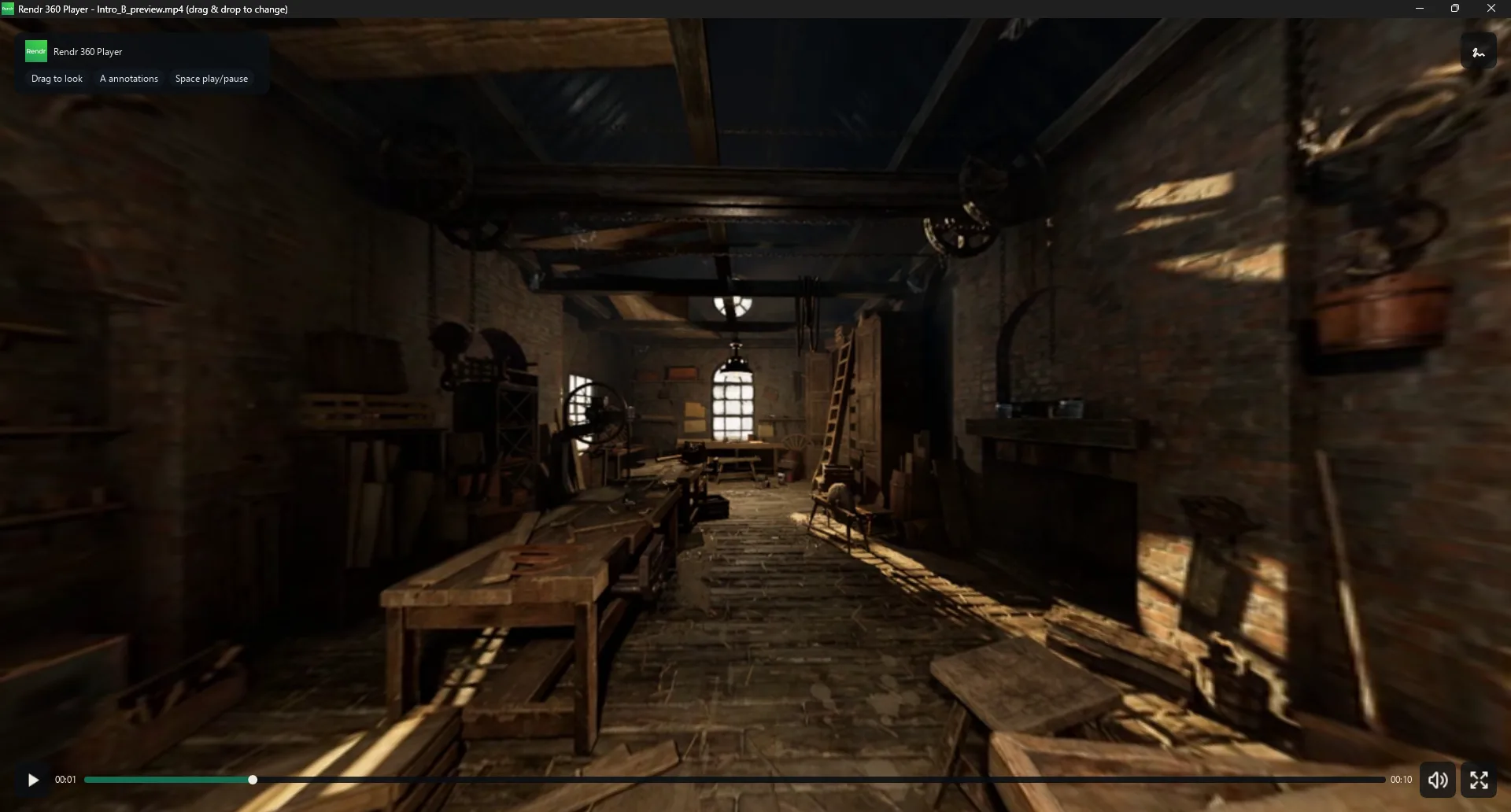
Equirectangular video up to 8K, mapped onto a sphere. Mouse navigation, zoom (FOV) and fullscreen.
MP4, MOV, MKV, WebM. Drag and drop a file onto the window to open it. Built-in audio with mute.
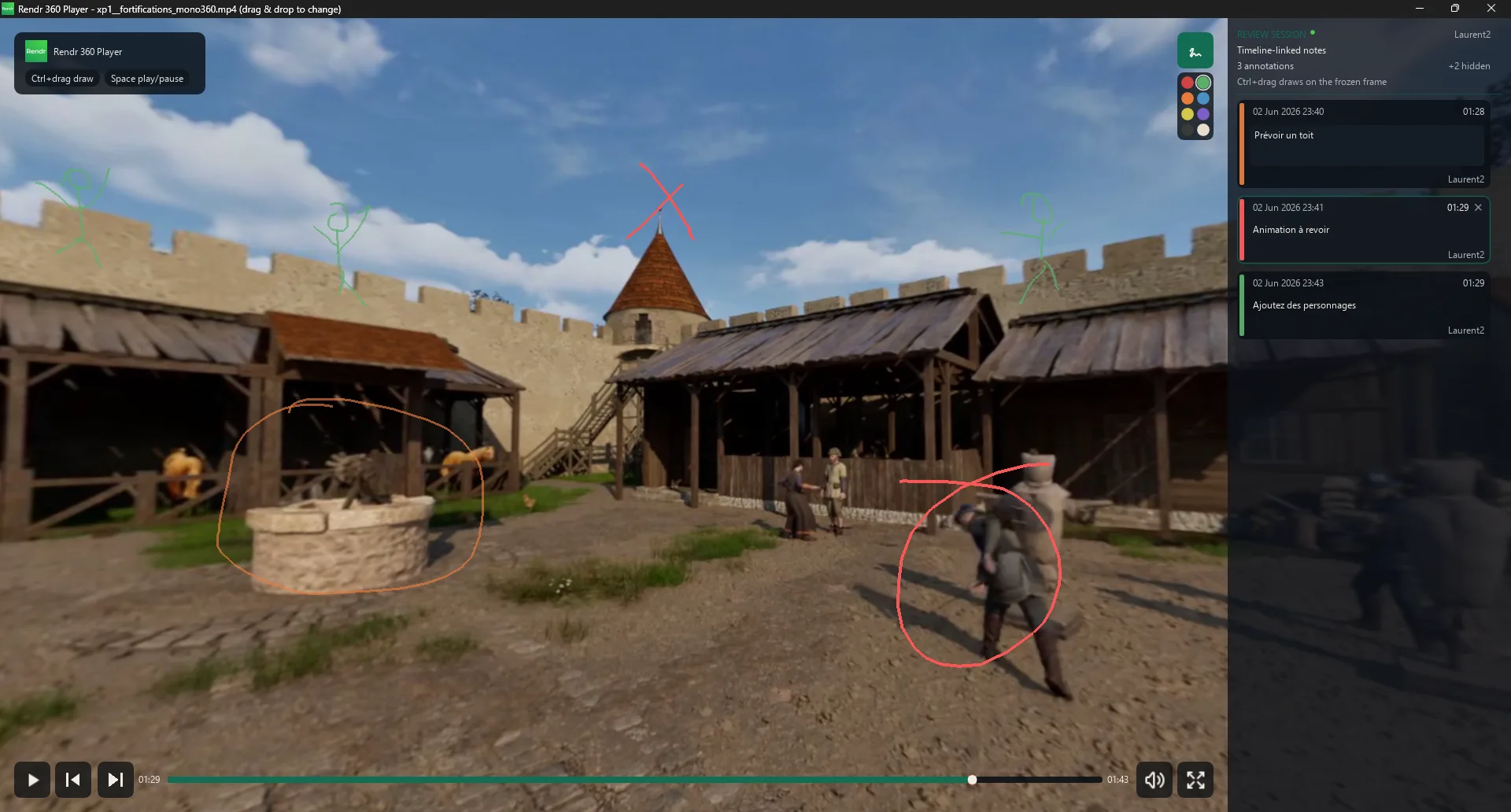
Draw freehand directly on the 360° video. Every stroke is anchored in spherical coordinates, with a note and a color.
Share annotations with your team through a lightweight server. Filter by author, by color, and hide notes.
Interface in French and English, auto-detected from your system.
Videos are never uploaded — only annotation metadata is synchronized.
The player is free. Unlock the collaboration tools with the full edition.
| Feature | Free | Full |
|---|---|---|
| 360° video playback (up to 8K) | ✓ | ✓ |
| Camera navigation & zoom | ✓ | ✓ |
| Playback controls & fullscreen | ✓ | ✓ |
| Audio + mute | ✓ | ✓ |
| MP4 / MOV / MKV / WebM, drag & drop | ✓ | ✓ |
| Bilingual FR / EN interface | ✓ | ✓ |
| Annotations drawn on the sphere | — | ✓ |
| Annotation panel (filters, hiding) | — | ✓ |
| Collaborative sync (server) | — | ✓ |
Latest version: 2026.06.1 · Windows
The full 360° player, free and unlimited. Perfect for watching your footage.
Coming soonEvery feature, including sphere annotations and team synchronization. Enter your coupon to download.
No coupon yet? Get in touch to request access. care [at] rendr.fr